Forklift access control & daily safety checksStart-Manager'sTruly AffordableTelematic Solution
A perfect choice for forklifts, walkies, overhead cranes, stationary machinery, utility vehicles, and more.
- 3,250,000+
- safety checks completed
- 10,000+
- equipment with Start-Manager installed
- 350,000+
- operators registered
Always Control Exactly Who has Access to Your Equipment
Very Simple to use, Incredibly Easy to Set-up with our smCONSOLE web app
Ensures that Safety Checks are Completed for Every Shift
Remarkably Affordable, Packed Full of Features to Manage your Equipment with Ease
The Start-Manager system provides a series of powerful tools that allow for easy management and uptime of all equipment outfitted with the SM301 telematics hub.
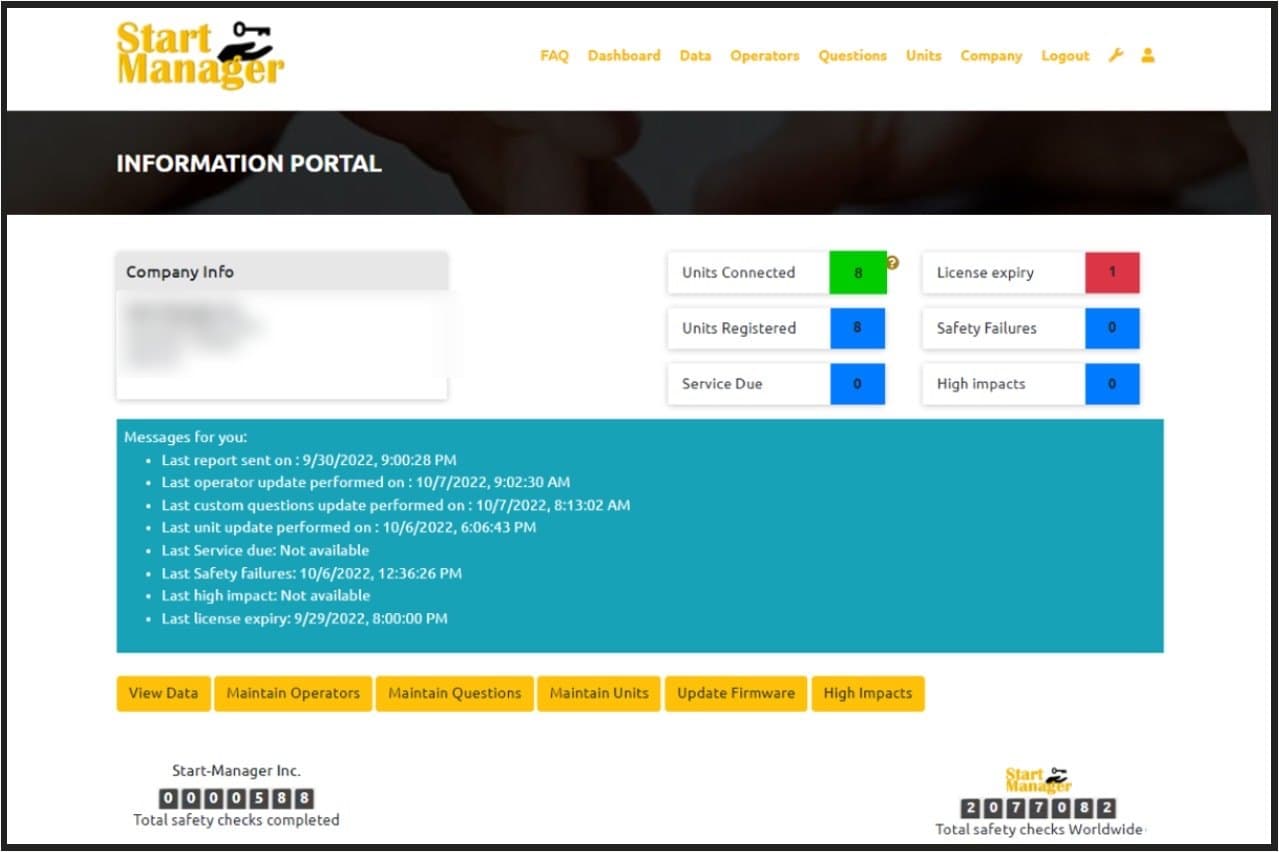
Screen 1 of 6: smPortal — Information Portal
Start-Manager’s web portal is a powerful tool that allows you to remotely manage all of your SM301 Start-Manager telematic hubs seamlessly from your laptop or cell phone.
Control who has access to the SM301 by assigning operators individually or in groups
Customize and assign your safety check questions individually or in groups
Customize and assign your impact settings individually or in groups
Manage equipment hours, utilization and service intervals
Manage operator training and authorization
Manage all events collected from your SM301 units and create customized reports
Manage automated reporting and alerts
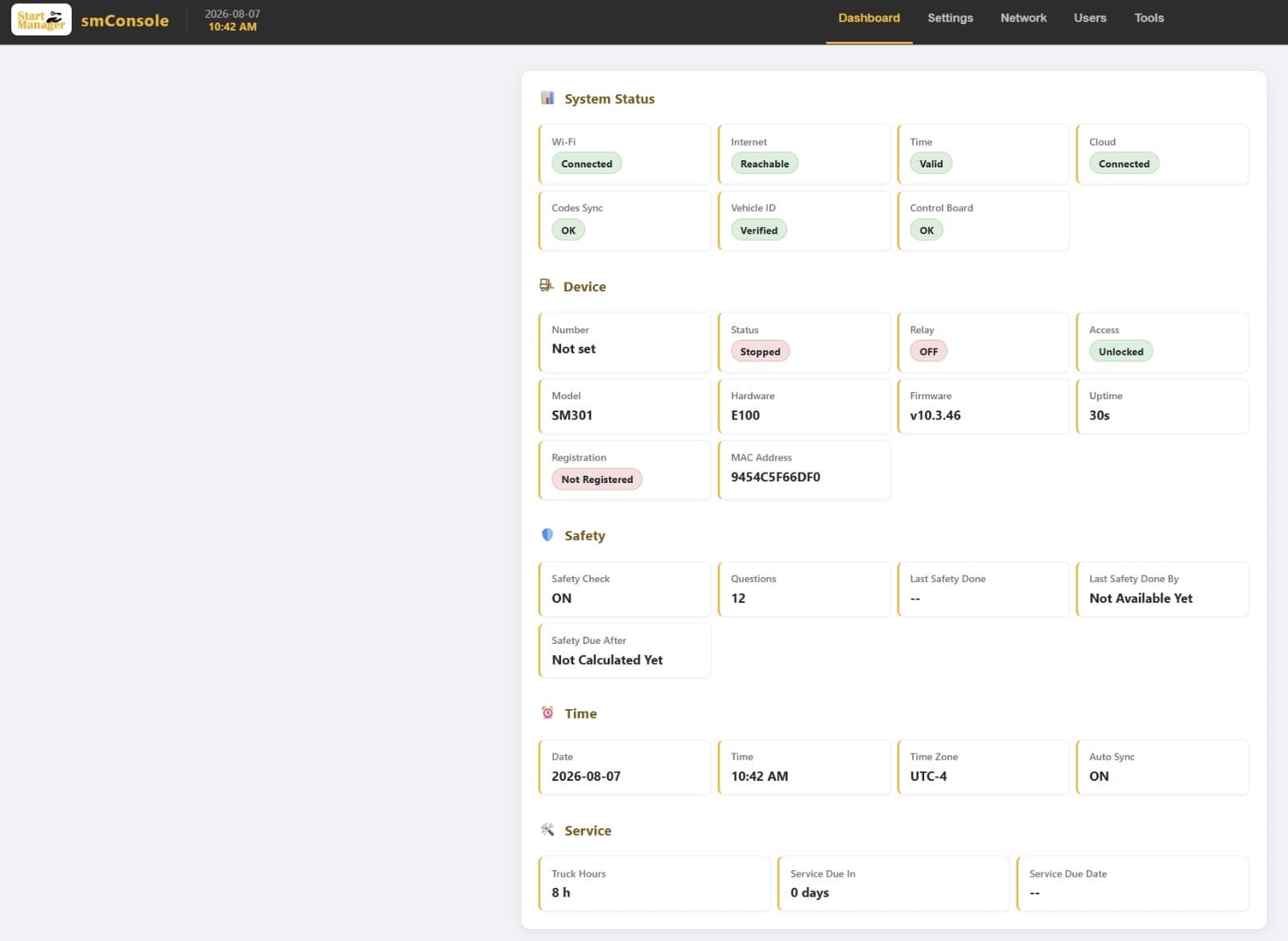
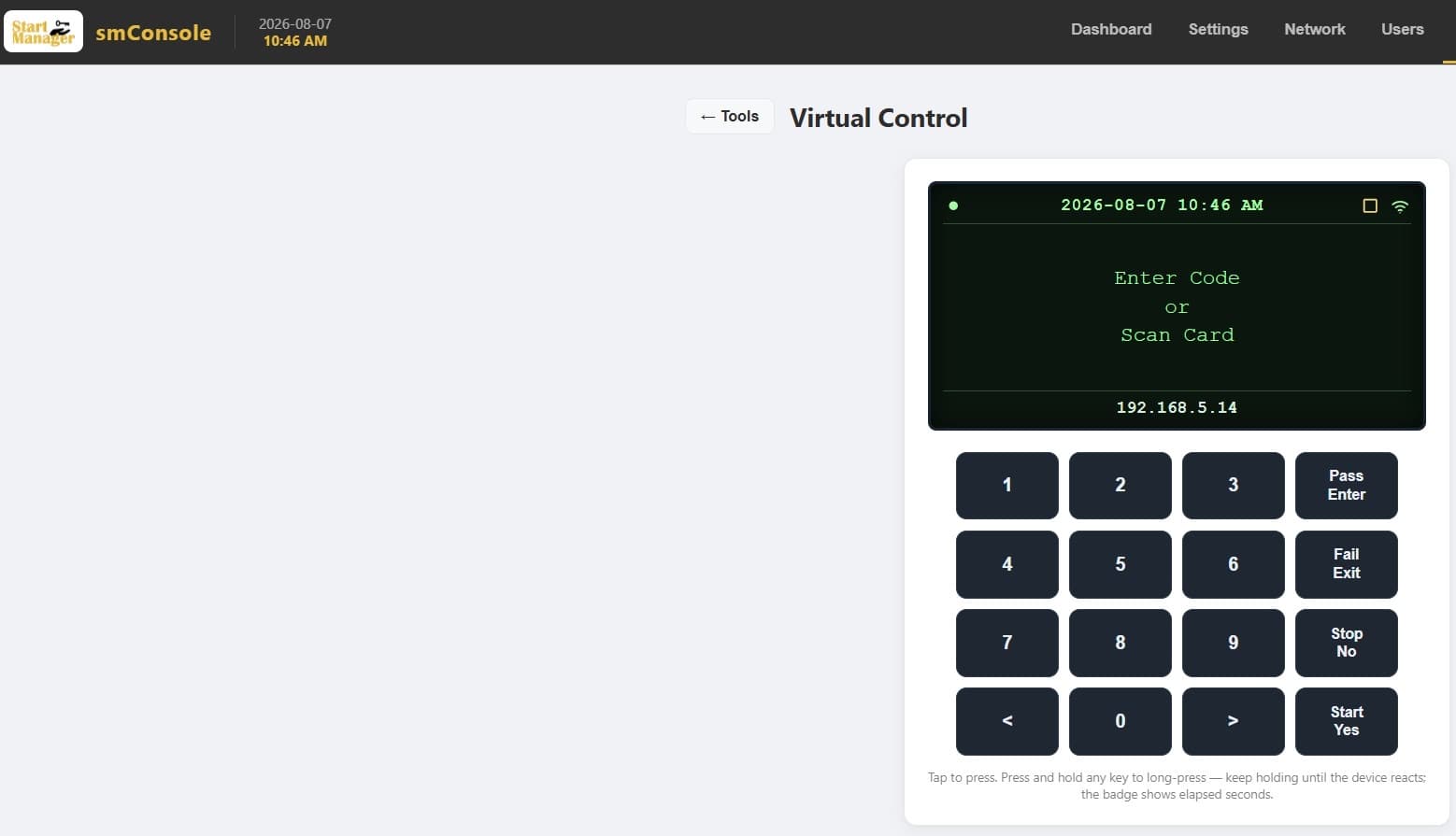
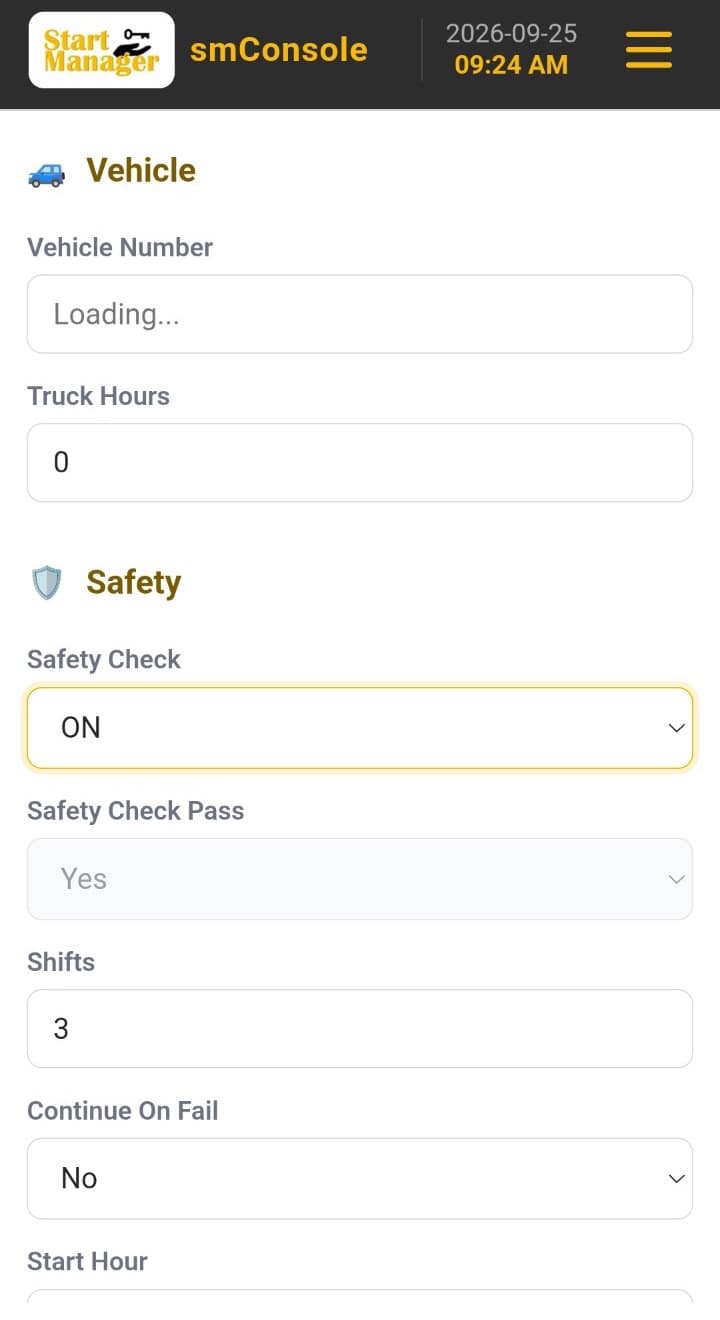
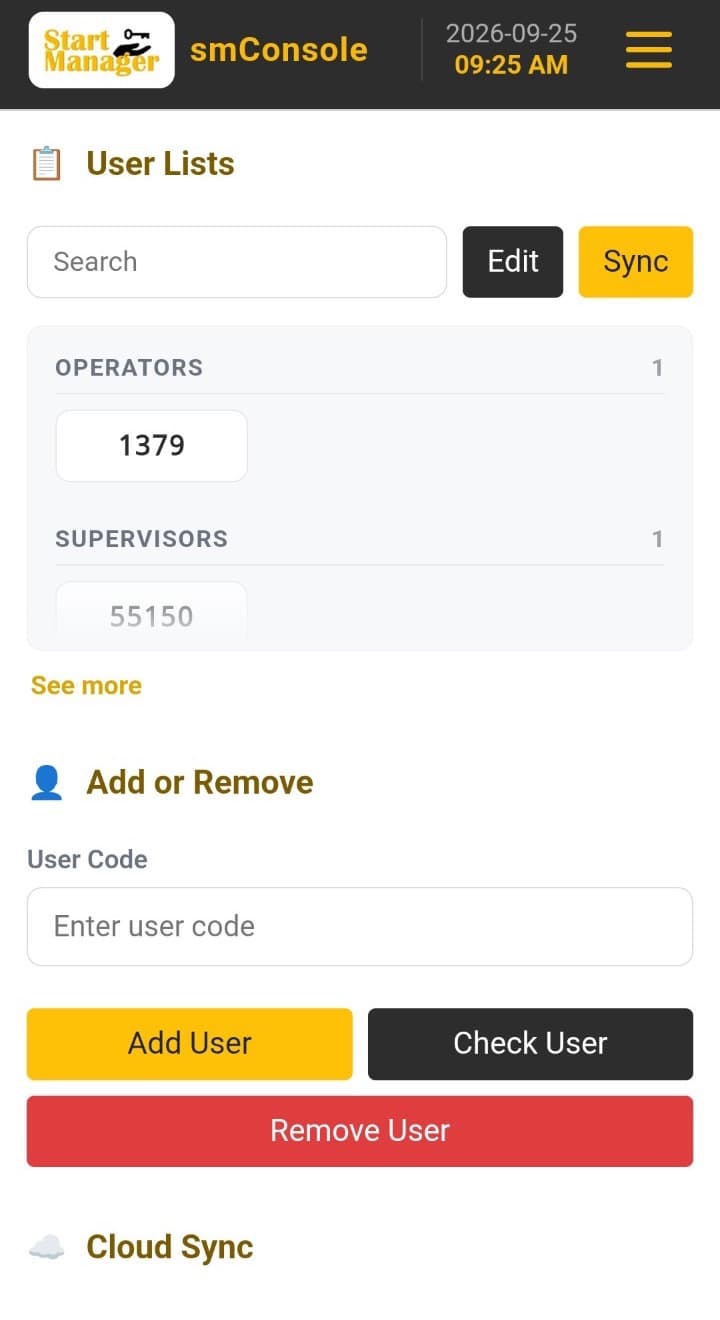
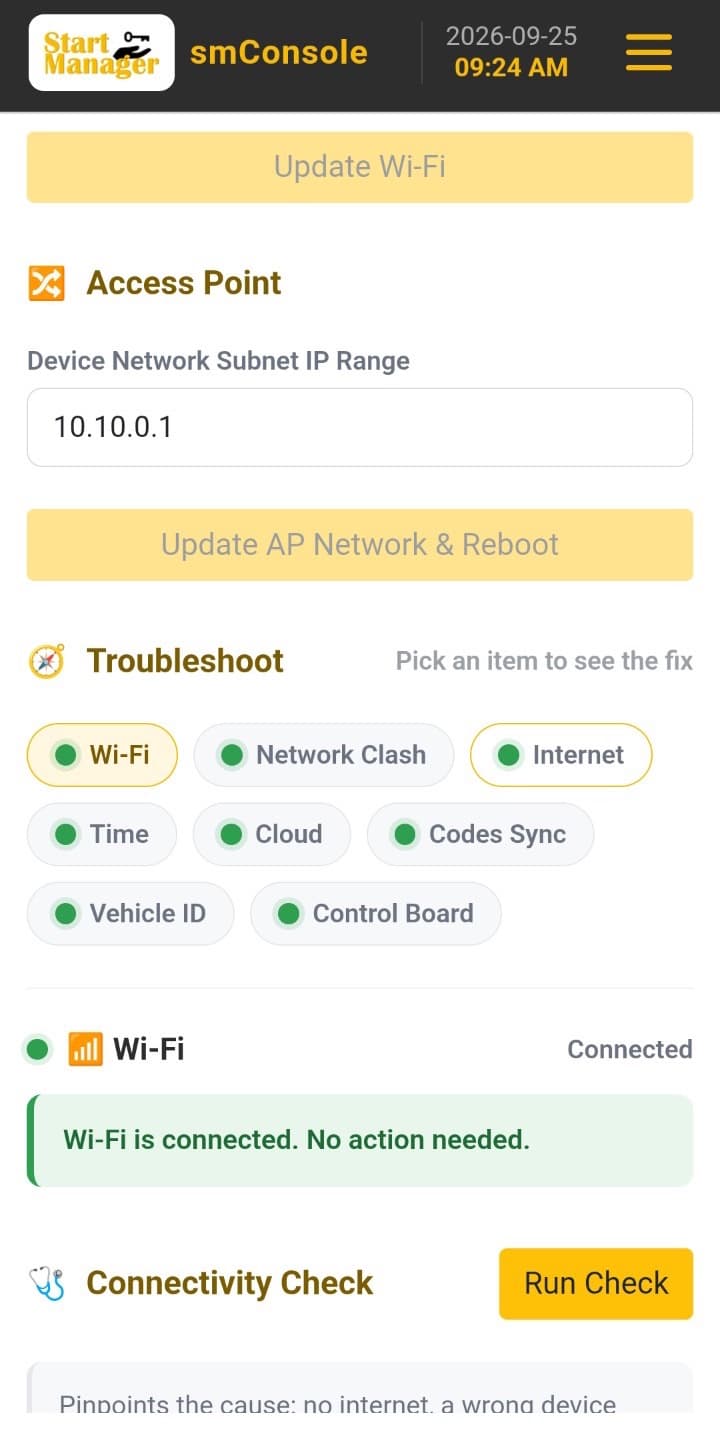
Start-Manager’s ‘Local’ Web app allows for easy management of each individual SM301 telematics hub.
Securely connect to each SM301 hub from your phone/laptop through its access point or Wi-Fi.
Manage all settings on the SM301 hub from the app
Simplify the onboarding process
Access powerful troubleshooting tools to maximize uptime
Web app with no download required
Start-Manager’s device health tools allow our dedicated technicians to remotely troubleshoot your SM301 hubs to allow for maximum uptime of your equipment.
Seamlessly integrate every feature, function and data point generated from the smPortal directly into your existing enterprise software or internal systems to help simplify your operation and data management. This optional tool gives your IT department a simple method for integration.
Standardized REST APIs are available for every function and data point
Standardized Web Hooks are available for every alert and notification
Additional charges may apply
Always have control over who has access to your equipment
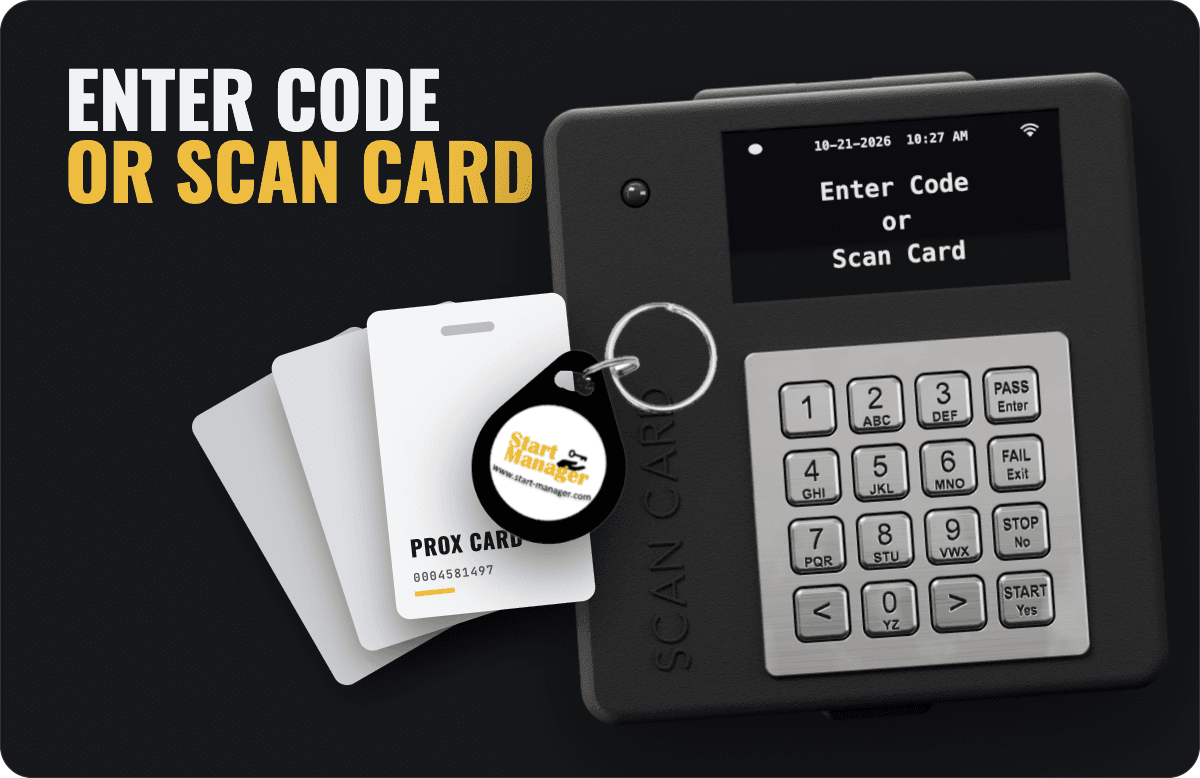
Start-Manager allows you to control who has access to your equipment in two ways:
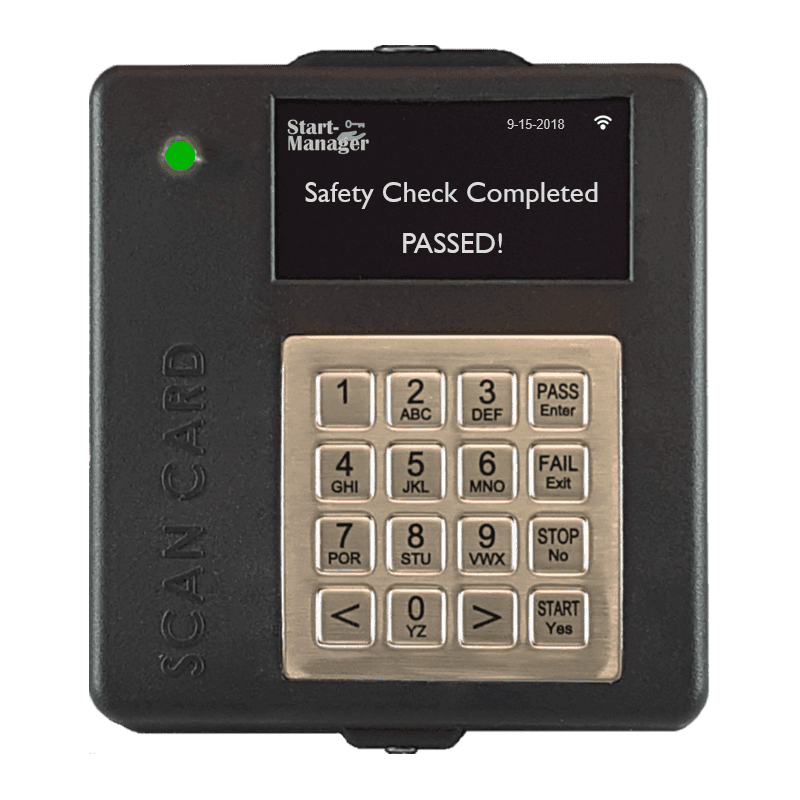
Using the heavy-duty stainless steel keypad you can allow access to your equipment with a programmable 4-digit code. The unit stores up to 1,000 key codes and card numbers combined, and the portal an unlimited number.
You can utilize your existing building access cards or fobs. The Start-Manager system can work with both HID H10301 and EM4100/4001 compatible cards.
Note: You can simplify the process by assigning operators individually or in groups through our smPORTAL
Making your Daily Safety Checks easy
OSHA requires that all forklifts, material handling equipment and machinery have a safety check performed at the start of each shift – regulation 1910.178(q)(7).
Are you completing a safety check for every shift?
How are you managing exceptions (failed items)?
Do you have too much ‘Paper’ to track?
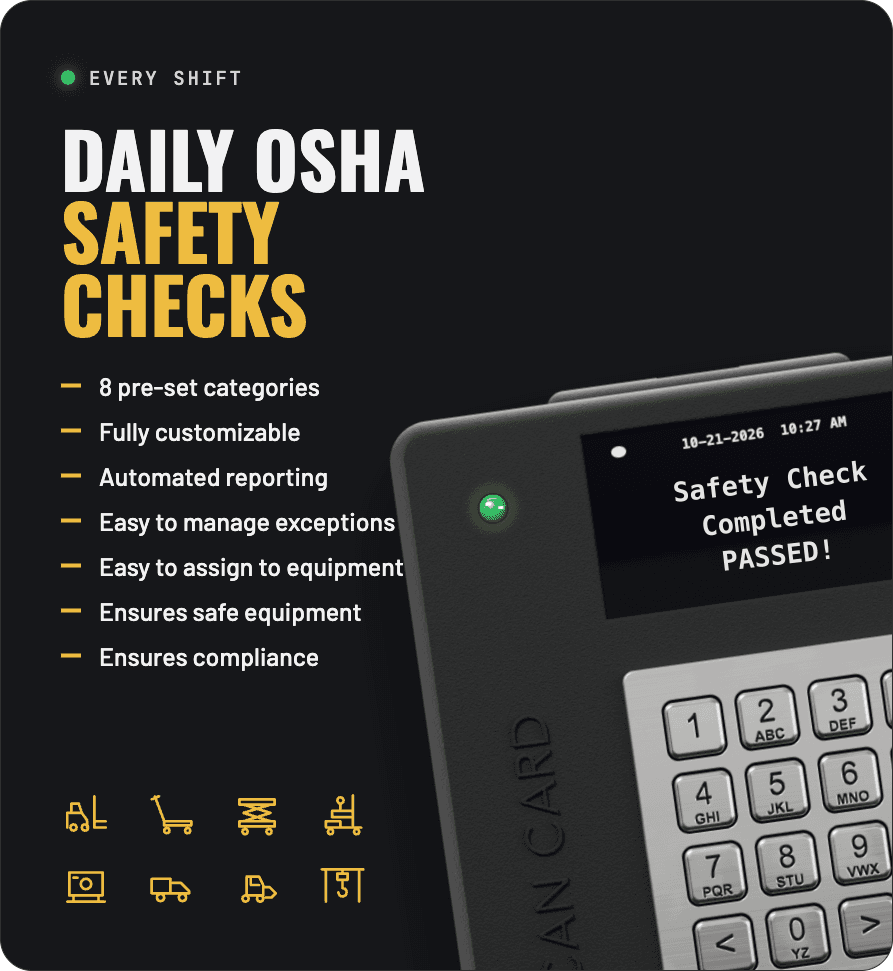
The Start-Manager system makes it easy because it ensures that you are performing a proper safety check at the start of each shift. You set up the number of shifts per day, and the start of the first shift, and Start-Manager does the rest.
Vehicle will not start until safety check is completed
Questions are displayed in random order to the operator
After a failed safety check, you can choose whether or not the vehicle can start (supervisor release) or simply record the information
Information can be easily retrieved via your existing Wi-Fi network
Focus only on the exceptions, not the paperwork
Eight (8) Pre-set categories (IC Forklift, Electric Forklift, Electric Pallet Truck, Scissor Lift, Utility Vehicle, Stationary Equipment, Dozer/Tractor, Overhead Crane)
Fully customizable through the smPORTAL
Assign questions to vehicles individually or in groups
- Impact management & monitoring
- Operator current training monitor
- Preventative Maintenance (Equipment service) monitoring & tracking
- Vehicle utilization and hours tracking
- Operator hours tracking
- And much more
Products
 Wireless
Vehicle Access Control W/ Daily OSHA Safety Check – Wireless
Pricing is in US dollars.Prices in Canadian dollars are estimates; orders are charged in US dollars. Does not include freight, taxes, duty or installation. Full price includes cost of hardware, licensing fees, full use of US based web portal (smPortal) & tools (smConsole, smHealth, etc.)
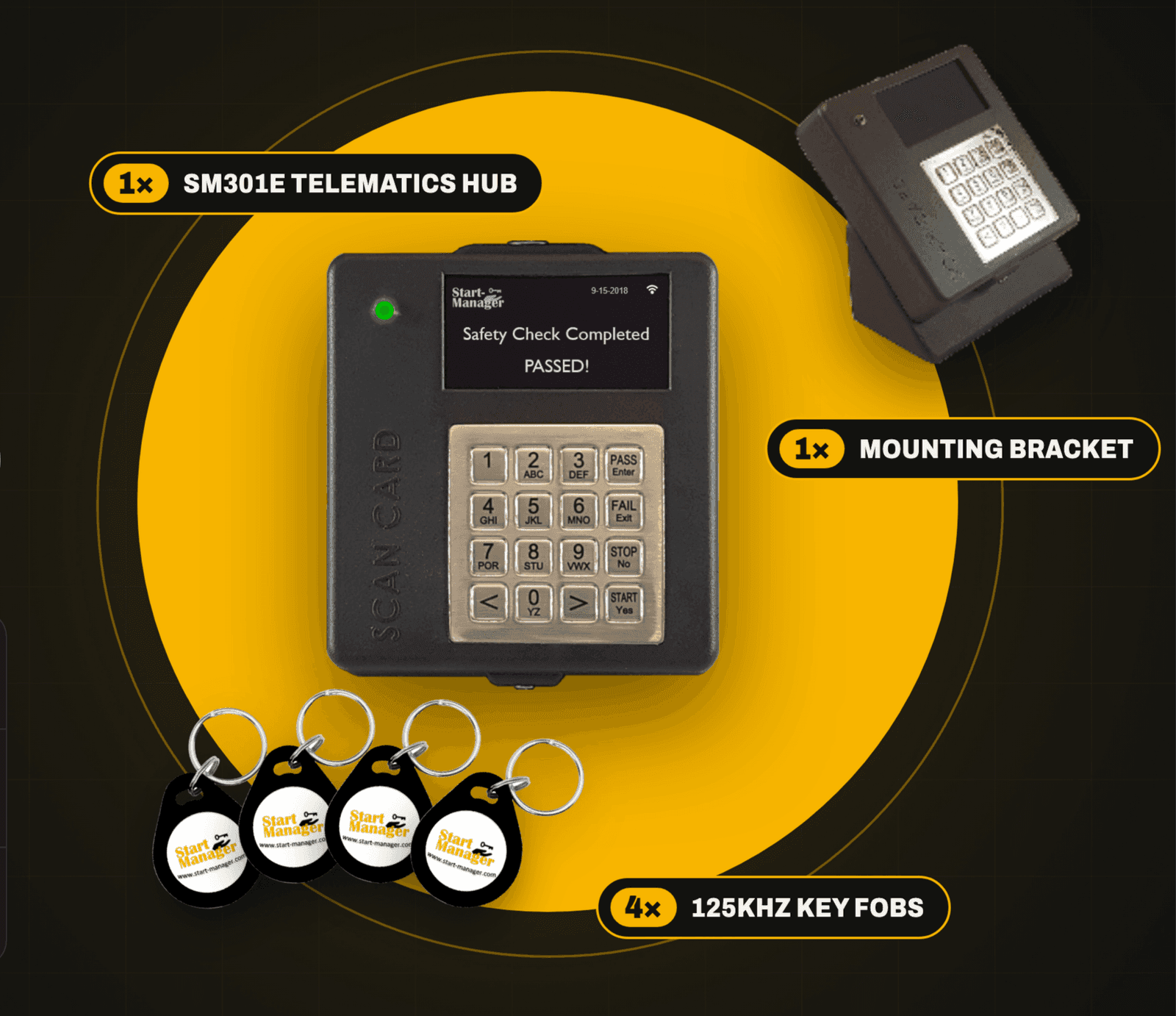 15% in Savings
Easy to use. Easy to set-up. Now, easy to purchase.
Pricing is in US dollars.Prices in Canadian dollars are estimates; orders are charged in US dollars. Does not include freight, taxes, duty or installation. Full price includes cost of hardware, licensing fees, full use of US based web portal (smPortal) & tools (smConsole, smHealth, etc.)
Works with the SM301D, SM301E and SM301F telematics hubs. Monitor impacts on three axes.
Pricing is in US dollars.Prices in Canadian dollars are estimates; orders are charged in US dollars. Does not include freight, taxes, duty or installation. Full price includes cost of hardware, licensing fees, full use of US based web portal (smPortal) & tools (smConsole, smHealth, etc.)